Statistics reveal that a smartphone goes missing every two seconds globally. If you’re reading this after patting your empty pocket and realizing your Moto G Max is gone, you know the sinking feeling all too well. Whether you own the massive 7000mAh Indian variant or the camera-centric Brazilian 5G model, finding your device requires more than just luck.
In this guide, I’ve categorized the tracking methods into practical strategies—from immediate rescue actions to preventive setups—so you can choose what fits your current situation best.

Strategy 1: The “Right Now” Rescue – Built-in Free Tools
If your Moto G Max is lost at this very moment and you have no third-party apps installed, your best bet lies in the phone’s native security suites. Motorola gives you two overlapping safety nets here.
A) Google’s Find My Device (The Universal Standard)
Since Moto G Max runs on pure Android, Google’s service is your primary rescue tool. To use it, your phone must be powered on, logged into a Google account, and connected to the internet.
- How to access: Simply type android.com/find into any browser and log in with your credentials.
- Pro Tip: The map shows an approximate location. If you’re close by, hit “Play Sound”—the Moto G Max will blast at full volume for 5 minutes, overriding silent mode, making it easy to find if it slid under your car seat.
B) Motorola ID’s Native Tracker (The Manufacturer Backup)
Many users overlook this, but Motorola has its own proprietary tracking portal. Unlike Google’s service, this is tied directly to your hardware.
- How to access: Visit the official Motorola support site and sign in with your Motorola ID.
- The Difference: While functionally similar (offering Ring, Lock, and Erase), the Motorola portal often integrates better with the phone’s “Moto Secure” folder in Settings. It also saves the last known location even if the device powers off abruptly, which can give you a vital clue about where it went offline.
Strategy 2: The “No-App” Alternative – Tracking via Phone Number
What if you never turned on “Find My Device” before losing your phone? You aren’t entirely out of luck. The third-party service mSpy offers a unique phone-number-based location feature that doesn’t require any prior installation on your Moto G Max.
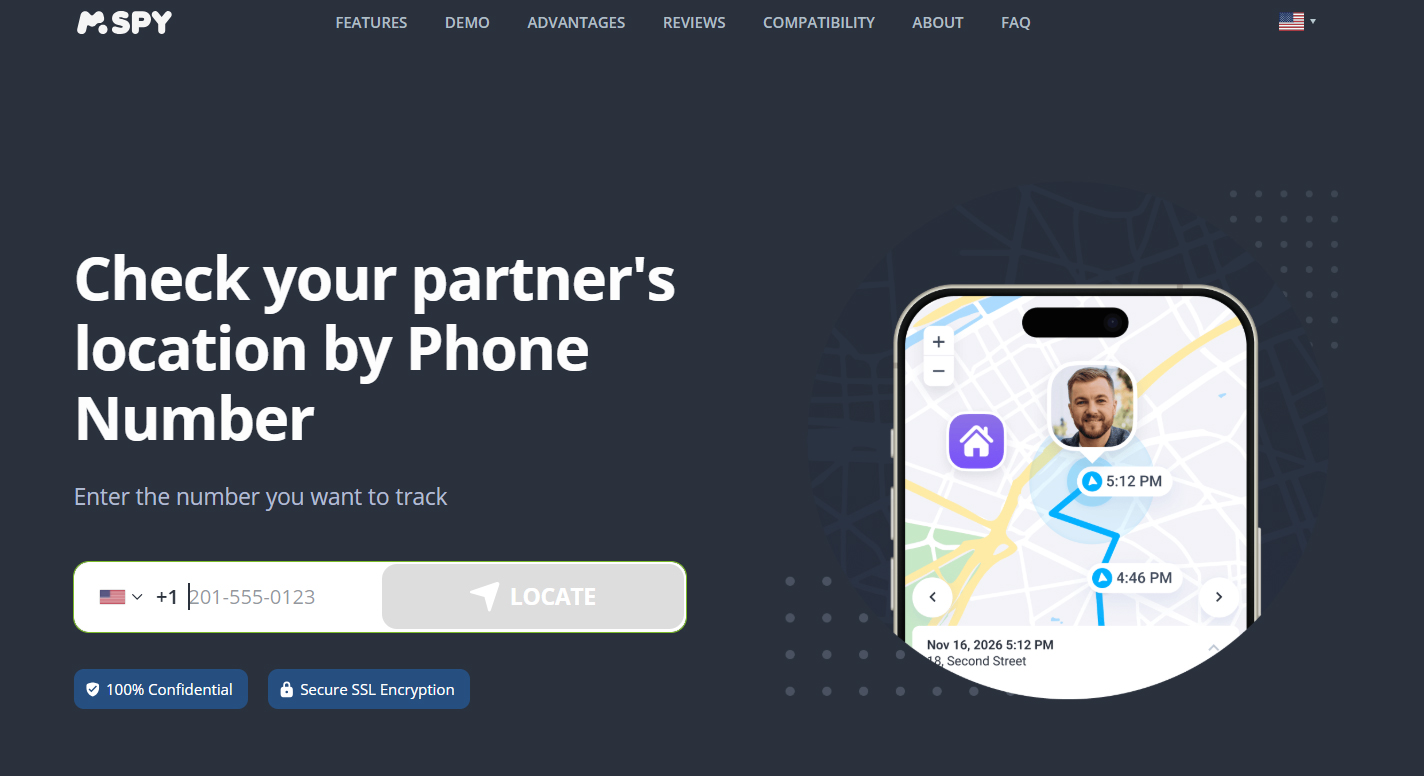
Unlike traditional methods, this service focuses on network triangulation. By visiting their dedicated number-location page, you can simply enter your Moto G Max’s phone number to get an approximate fix on its whereabouts.
Why this stands out for Moto G Max users:
- Zero Setup Required: You don’t need to have touched the phone’s settings in advance.
- Invisible Operation: Since no app is installed, there’s no risk of the thief disabling an icon or notification.
- Best Use Case: This is ideal for quickly checking if the device is still within a familiar area (like your home, office, or the last taxi you took) before you resort to more drastic measures like remote wiping.
Strategy 3: The “Digital Bodyguard” – Preventive Tracking with Eyezy
Prevention is better than cure, and if you’re seeking the best monitoring app for Motorola phones, Eyezy stands out as a premier choice. This powerful tool goes beyond simple GPS tracking, transforming your Moto G Max into a fully supervised device. In fact, with its robust geofencing, real-time alerts, and comprehensive activity logs, it also earns the title of the best parental control app for Moto G Max—ideal for parents who want to keep tabs on their children’s location and device usage without them even knowing.
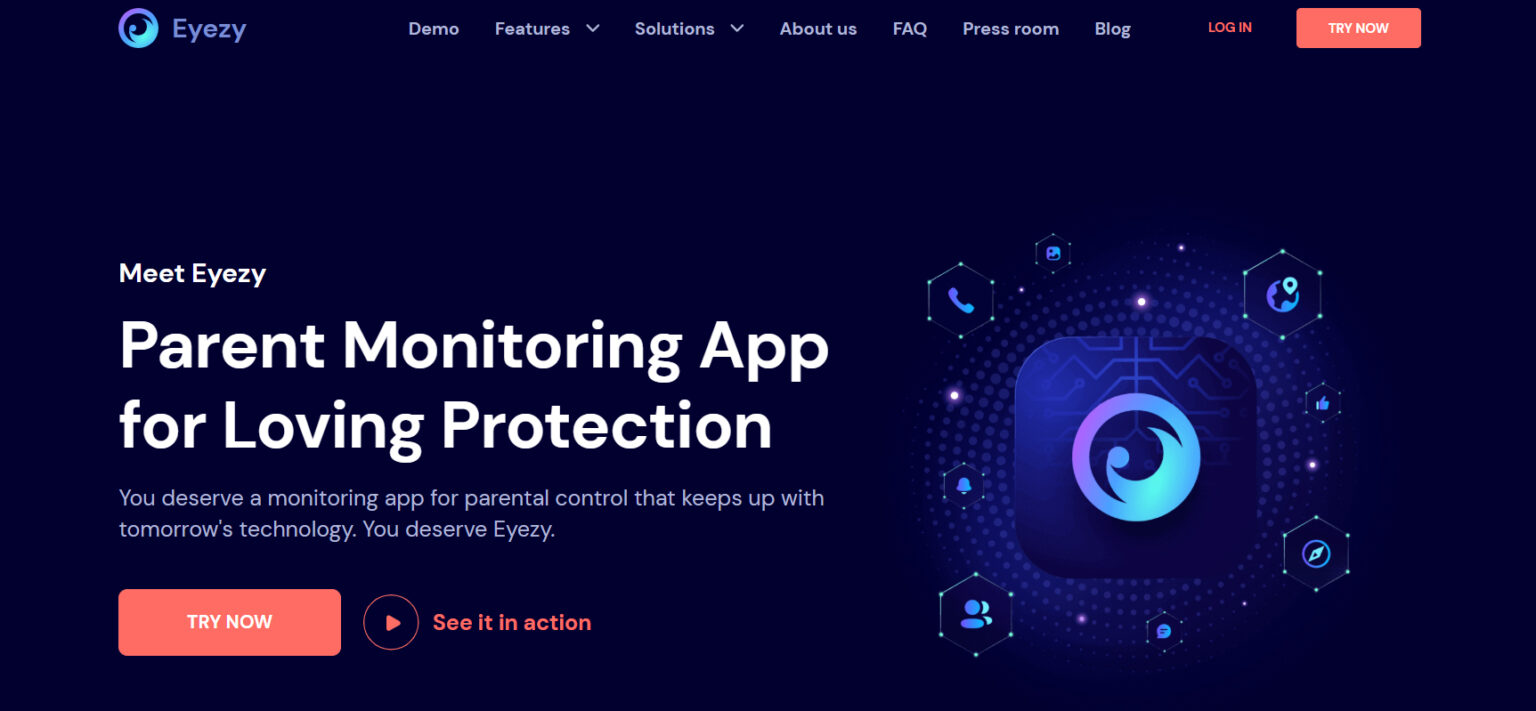
How Eyezy elevates tracking beyond standard GPS:
- Geofencing Alerts: You can set up a “safe zone” (e.g., your home or office). If your Moto G Max leaves this perimeter without you, you’ll receive an instant alert—notifying you of a potential theft before you even realize the phone is gone.
- Invisible Stealth Mode: The app runs completely hidden in the background. There is no app icon, so even if a thief tries to check running applications, Eyezy remains undetectable.
- Comprehensive History: It doesn’t just show the current location; it logs a detailed route history. If your phone is being transported across town, you can see the entire movement timeline, which is invaluable evidence for law enforcement.
- Parental Peace of Mind: Location history and screen-time features make it a reliable parental control tool.
The Catch: You must install and set this up before an incident occurs. It’s a classic case of “an ounce of prevention is worth a pound of cure.” For new Moto G Max owners, I highly recommend installing Spynger during the initial setup wizard, right after you log into your Google account.
Ready to lock down your Moto G Max? Click the “Free Try Now” button below and start your risk‑free trial today – experience real‑time tracking and parental controls with zero commitment.
Strategy 4: The “Smart Recovery” Action Plan
Knowing the tools is one thing; knowing when to use them is another. Here is a quick action plan based on your situation:
- Scenario A (Mild Panic – you just misplaced it nearby): Use Strategy 1 – hit the “Ring” command on Google Find My Device to locate it under a pile of laundry.
- Scenario B (Serious Concern – you left it in a public space): Use Strategy 2 – try the mSpy number lookup to get a quick general location estimate, just to confirm it hasn’t left the building.
- Scenario C (Worst Case – it was stolen and is moving): Do not erase it immediately! Use Strategy 1 to lock the screen with a message offering a reward, and use Strategy 3 (if pre-installed) to track its movement silently and securely, providing data to the authorities.
Final Verdict
To truly protect your Moto G Max, don’t rely on a single solution. The smartest approach is a hybrid: keep Google Find My Device and Motorola ID active (free and always on) and install a proactive tracker like Spynger – widely considered the best monitoring app for Motorola phones – for advanced geofencing and historical trails. Meanwhile, bookmark mSpy’s number service as a quick emergency backup. With these four layers, your Moto G Max becomes a trackable, secure, and formidable device. And if you’re a parent, Spynger doubles as the best parental control app for Moto G Max, giving you total visibility.
Don’t wait until it’s too late – hit the “Free Try Now” button to get started with Spynger or mSpy absolutely free for a limited time!