
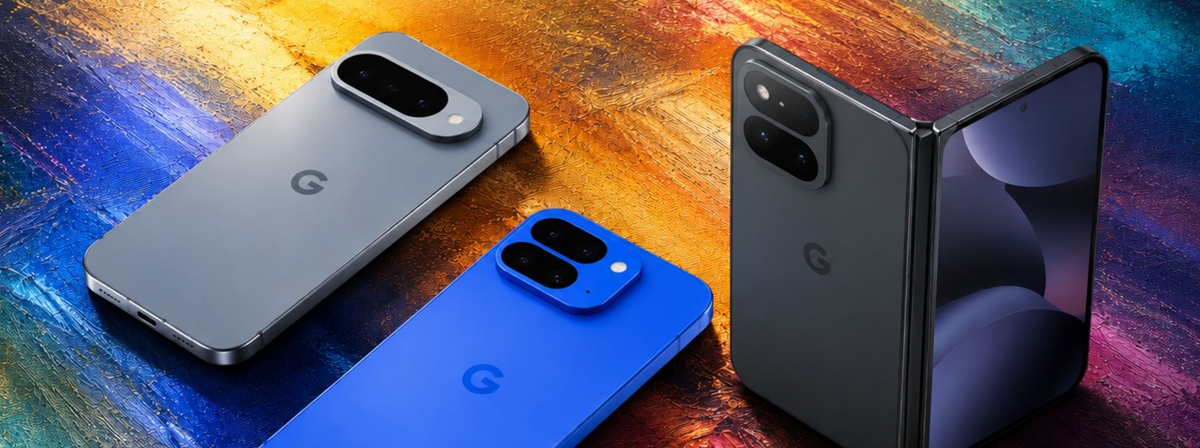
The Google Pixel 11 has arrived with some impressive new features, including Android 17’s exclusive “Pause Point” function—a digital wellbeing tool that inserts a 10-second delay before opening distracting apps like TikTok or Instagram, giving users a moment to reconsider. But for parents, managing a child’s smartphone goes beyond helping them avoid mindless scrolling. You need real oversight: screen time limits, app controls, location tracking, and visibility into what your child is actually doing online.
So what’s the best parental control app for Google Pixel 11? In this guide, we’ll compare two standout options—one completely free and one premium—so you can decide which fits your family’s needs.
Before we dive into the apps, it’s worth noting that the Pixel 11 runs pure Android, which means Google’s native parental controls are fully integrated. Android 17 brings expanded parental controls directly into the system settings, offering a single hub for device-level tools and Google Family Link. This makes setup smoother than on many other Android devices that have heavy manufacturer customizations.
With Android 17, the Family Link app now offers a direct path to linking children’s phones, controlling Google Play app purchase approvals, setting location alerts, and configuring School Time schedules—all from one place. For Pixel 11 owners, this integration is seamless.
Google Family Link is Google’s official parental control solution, and it’s 100% free—no ads, no in-app purchases, no hidden fees. If you’re looking for a free monitoring app for Google Pixel 11, this is the obvious starting point.
Family Link is powerful for device control, but it doesn’t scan or monitor the actual content inside apps. You can see which apps your child is using, but not what they’re saying in WhatsApp, Instagram, or TikTok. It also doesn’t offer a stealth mode—your child knows exactly what’s being monitored.
Parents who need basic, reliable, and free oversight: screen time limits, app blocking, and location tracking. It’s ideal for younger children or teens who don’t require deep content monitoring.
If you need more than what Family Link offers, Eyezy is a premium monitoring solution that provides deep visibility into your child’s digital life. Unlike Family Link, Eyezy is a paid service designed for parents who want to know what their children are doing inside apps, not just when they’re using them.
Social media monitoring: View messages, photos, and videos across platforms like Instagram, WhatsApp, TikTok, and more.
Call and SMS logs: See who your child is calling and texting.
GPS tracking with history: Real-time location updates plus location history.
Keylogger: Track everything typed on the device.
Browser history: See which websites have been visited.
Screen recording: Capture what’s happening on the screen.
Geofencing: Set safe zones and receive alerts when your child leaves them.
Stealth mode: Runs discreetly in the background; children are less likely to detect or disable it.
Eyezy offers several subscription plans:
1 month: $38.39/month
3 months: $22.39/month
12 months: $7.99/month
If you choose the annual plan, it costs just $7.99 per month—less than a daily coffee.
Parents who need comprehensive monitoring, especially for teens active on social media. Eyezy gives you the full picture: who they’re talking to, what they’re saying, and where they are.
Track LINE messages, calls and monitor activity easily with Line monitoring app. A reliable way to stay aware of LINE conversations.
| Feature | Google Family Link | Eyezy |
|---|---|---|
| Price | Free | Paid (from $7.99/month with annual plan) |
| Screen time limits | ✅ Yes | ✅ Yes |
| App blocking | ✅ Yes | ✅ Yes |
| Location tracking | ✅ Yes (basic) | ✅ Yes (with history & geofencing) |
| Social media monitoring | ❌ No | ✅ Yes |
| Call & SMS logs | ❌ No | ✅ Yes |
| Keylogger / browser history | ❌ No | ✅ Yes |
| Content scanning | ❌ No | ✅ Yes |
| Stealth mode | ❌ No (child knows) | ✅ Yes (optional) |
| Setup | Built into Android, very easy | Requires installation on child’s device |
| Best for | Basic device control | Deep content monitoring |
There’s no single “best” answer—it depends on what you need as a parent.
Google Family Link is the best free option and more than sufficient for most families with younger children. It handles the essentials: screen time, app approvals, and location. If all you need is to monitor Google Pixel 11 usage at a basic level, start here.
Eyezy, on the other hand, is for parents who want total visibility. If your teen spends hours on Instagram or TikTok and you’re worried about online safety, Eyezy’s social media monitoring, keylogger, and stealth capabilities offer a level of insight that Family Link simply can’t match.
For many families, a hybrid approach works best: start with Google Family Link for free, baseline control. If you find you need more visibility later, Eyezy is a powerful upgrade that fills the gaps.
Which app is right for your Google Pixel 11? That depends on your child’s age, their online habits, and how much oversight you need. Either way, both options give you more control and peace of mind in an increasingly digital world.
The Best Parental Control App for Android & iPhone in 2026! Keeping Your Kids Safe Online.
This software is for legal use only. Do not install on devices you do not own; prior owner consent may be required by law. Violations can result in fines or criminal charges. Consult your legal advisor before use. You assume full liability for any installation; we disclaim all responsibility.
Copyright © 2026 parentaltool.com. All Rights Reserved.